CrewAI for Multi-Agent Software Development Teams
CrewAI structures multi-agent systems like engineering teams, not prompt chains.
There's a specific moment every developer hits when building with more than one AI agent.
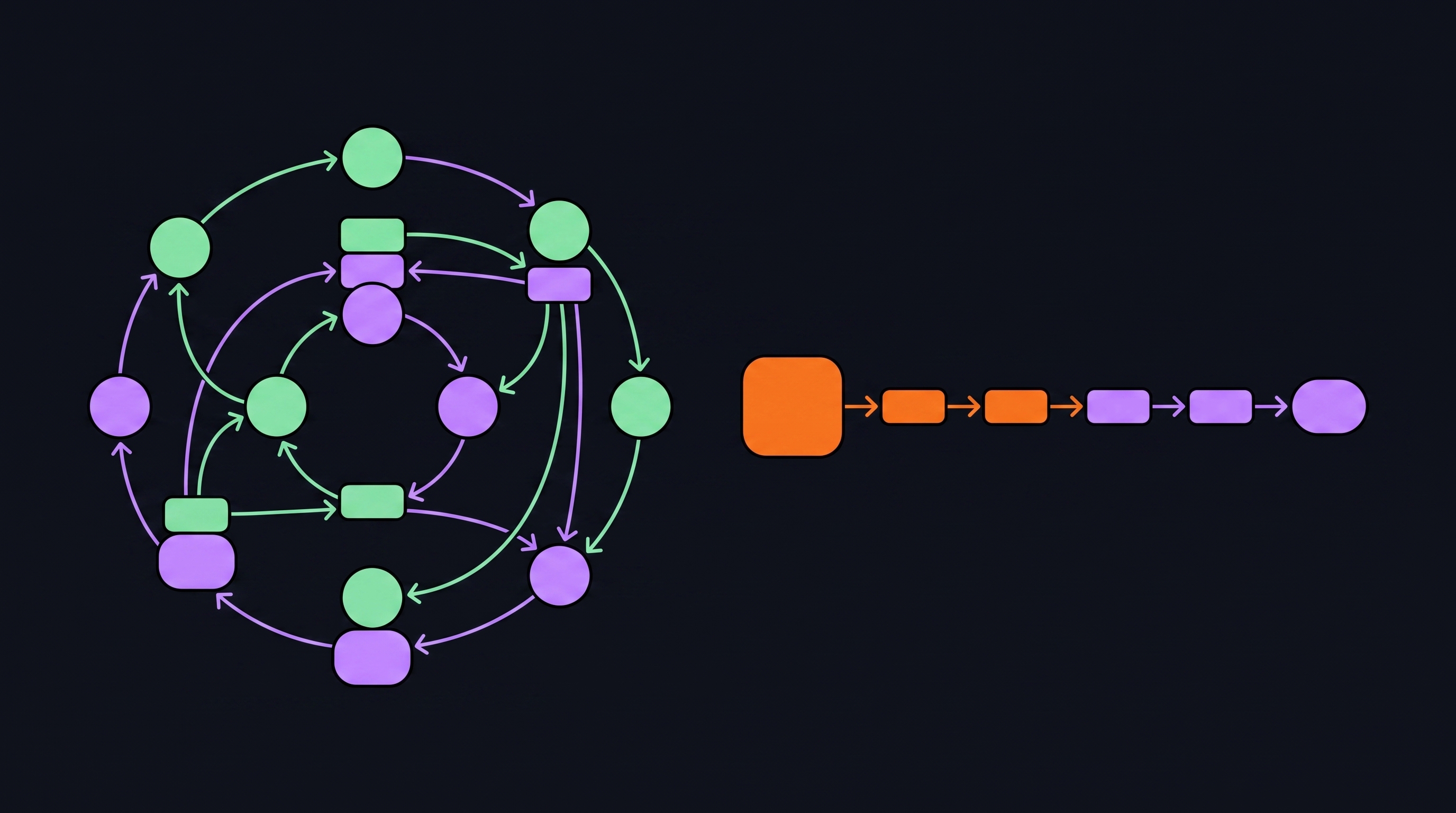
Your first agent works. It does something useful. You add a second, feed it the output of the first, and it mostly works. Then you add a third. Somewhere around agent four or five, the whole thing quietly falls apart. Outputs contradict each other. Context gets lost. Nobody knows which agent owns which piece of the problem. You've built a very expensive game of telephone.
The instinct to daisy-chain agents makes sense. It mirrors how we think about functions in code: input goes in, output comes out, pipe them together. But a chain of prompts isn't a team. There's no shared memory, no defined roles, no coordination layer, no one checking whether the output from step two actually makes sense before it gets handed to step three.
What a real software team has that a prompt chain doesn't is structure. Defined roles. Shared goals. A coordinator who knows who does what. When something breaks on a real team, there's an owner. When work moves between people, there's an agreed-upon handoff format. None of that exists by default in a naive multi-agent setup.
CrewAI was built around exactly this problem. João Moura wasn't originally trying to build a framework. He was trying to automate his own content pipeline. The solution wasn't a single all-purpose agent with a very long prompt. It was a crew of agents with distinct jobs, passing structured work between them. The framework came later. The mental model came first.
That mental model is the practical key to using CrewAI well. Stop thinking in prompts. Start thinking in team structures: roles, responsibilities, delegation, workflow. Once you make that shift, you can reason about your agent system the same way you reason about your engineering org. Who owns this task? What does done look like? Who reviews it before it moves on?
Now, there are two distinct primitives here, and confusing them causes real problems.
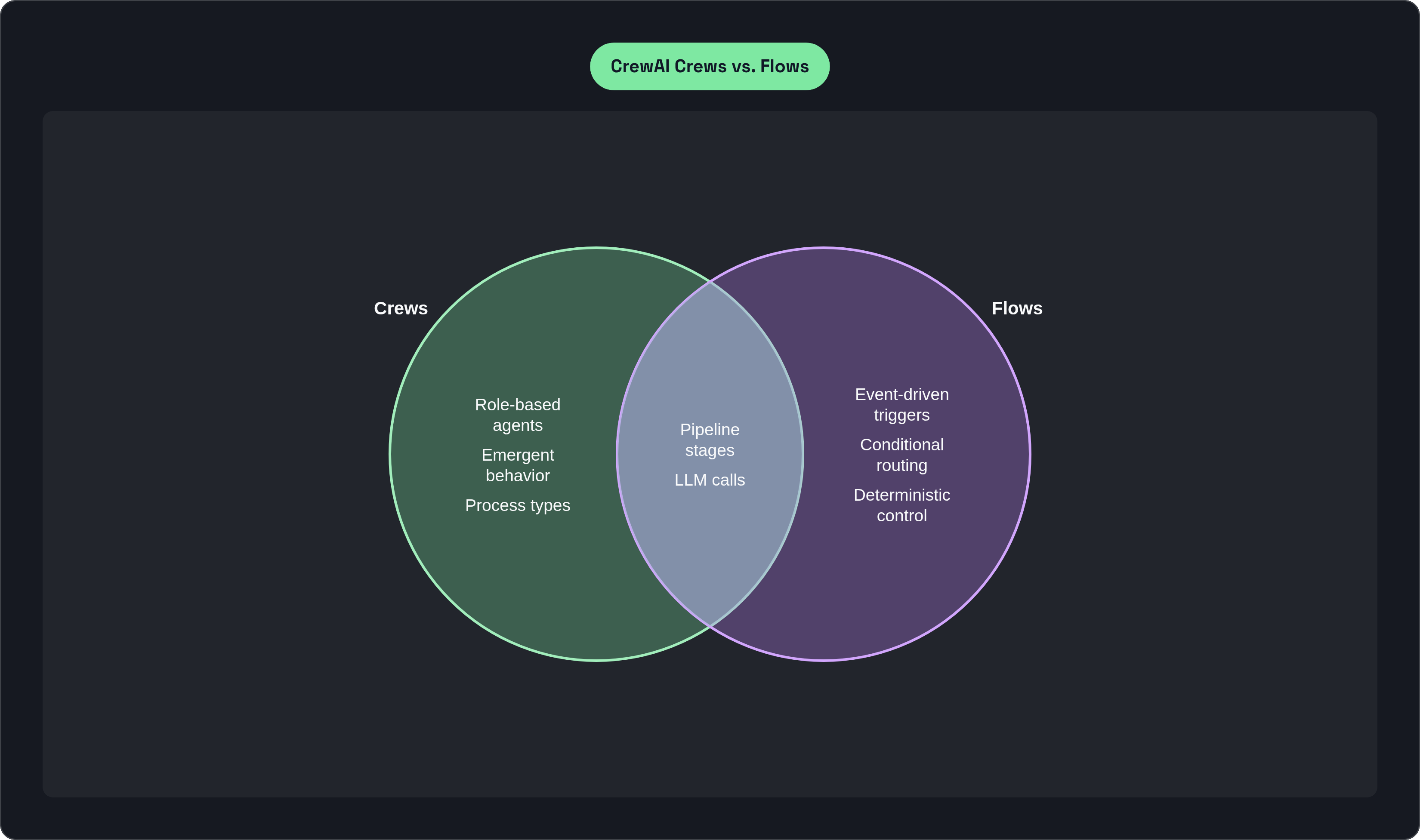
Crews are autonomous, role-based groups of agents designed for collaborative problem-solving. They're good at tasks where the right answer emerges from agents with different perspectives working together. Emergent behavior is a feature, not a bug.
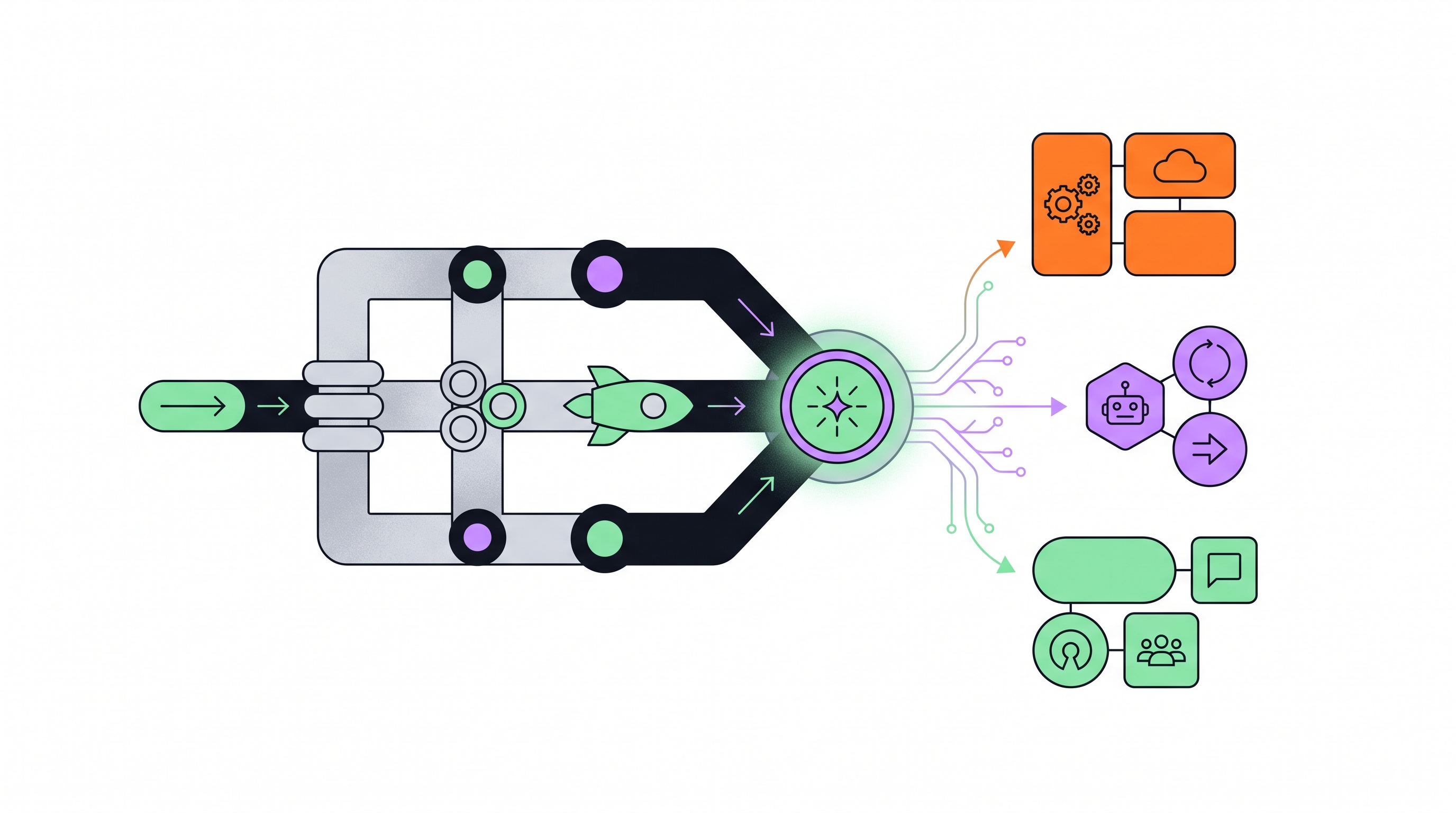
Flows are event-driven automations designed for precise, deterministic control. They can incorporate Crews as components. Think of Flows as the orchestration layer that governs when and how Crews get called, and what happens between calls.
These are not interchangeable. A Crew without a Flow handles one phase of work. A Flow without Crews is just scripted logic. The two together are how you build something that can actually own a slice of a real software development lifecycle.
The framework landscape around all of this is crowded right now. OpenAI's Agents SDK, Google's ADK with native A2A protocol support, Anthropic's Agent SDK, LangGraph. All either newly released or significantly maturing.
CrewAI's distinguishing characteristic, per independent framework comparisons, is its structured, role-based approach with clear hierarchies. It's consistently identified as the fastest path to a working prototype for teams who already know what they want to automate. LangGraph suits teams who need maximum low-level control over every step of agent execution. Neither is universally better. The tradeoff is control versus speed-to-production, and the right answer depends on what you're actually building.
One practical detail worth knowing: CrewAI is model-agnostic. It supports OpenAI, Anthropic, open-source models via Ollama, and any OpenAI-compatible API. You can assign different models to different agents based on task complexity or cost. When you're running hundreds of agent calls per day, that flexibility stops being a nice-to-have and starts being a budget conversation.
The production signal is real. CrewAI is powering agentic automations across a significant portion of the Fortune 500, including PwC, IBM, Capgemini, and NVIDIA. This isn't a prototyping toy.
The Role-Goal-Backstory Framework: Basically a Job Description
Here's the core problem with monolithic prompts: when you stuff all your instructions into one context window, you collapse specialization. The agent has no stable identity to reason from. It becomes a generalist trying to do everything at once, which means it does everything adequately and nothing particularly well.
CrewAI's answer is the Role-Goal-Backstory triad. Every agent in a crew is defined by three things.
Role is the job title. It scopes the agent's function and sets expectations for the kind of output it should produce. "Senior Backend Engineer" and "QA Analyst" will approach the same codebase differently, and that's exactly the point.
Goal specifies what the agent is trying to achieve. Concrete and scoped, not open-ended. "Identify regressions introduced in the last three commits" is a goal. "Help with testing" is a wish.
Backstory is the one that surprises people. It matters because it anchors the model's output style and reasoning across a long task. A "staff engineer who has shipped three distributed systems" reasons about a problem differently than a "tech journalist with ten years covering developer tools." The backstory tells the model not just who it is, but how it thinks. Without it, reasoning style wanders across a long task and you spend time re-prompting just to pull it back. I've watched this happen. It's tedious in the way that only debugging invisible context drift can be tedious.
Writing a CrewAI agent definition is essentially writing a job description. Most senior engineers have done this. They've written job reqs, scoped roles, defined what "good" looks like for a given position. That skill transfers directly. Which is either reassuring or a little unsettling, depending on how you feel about the whole thing.
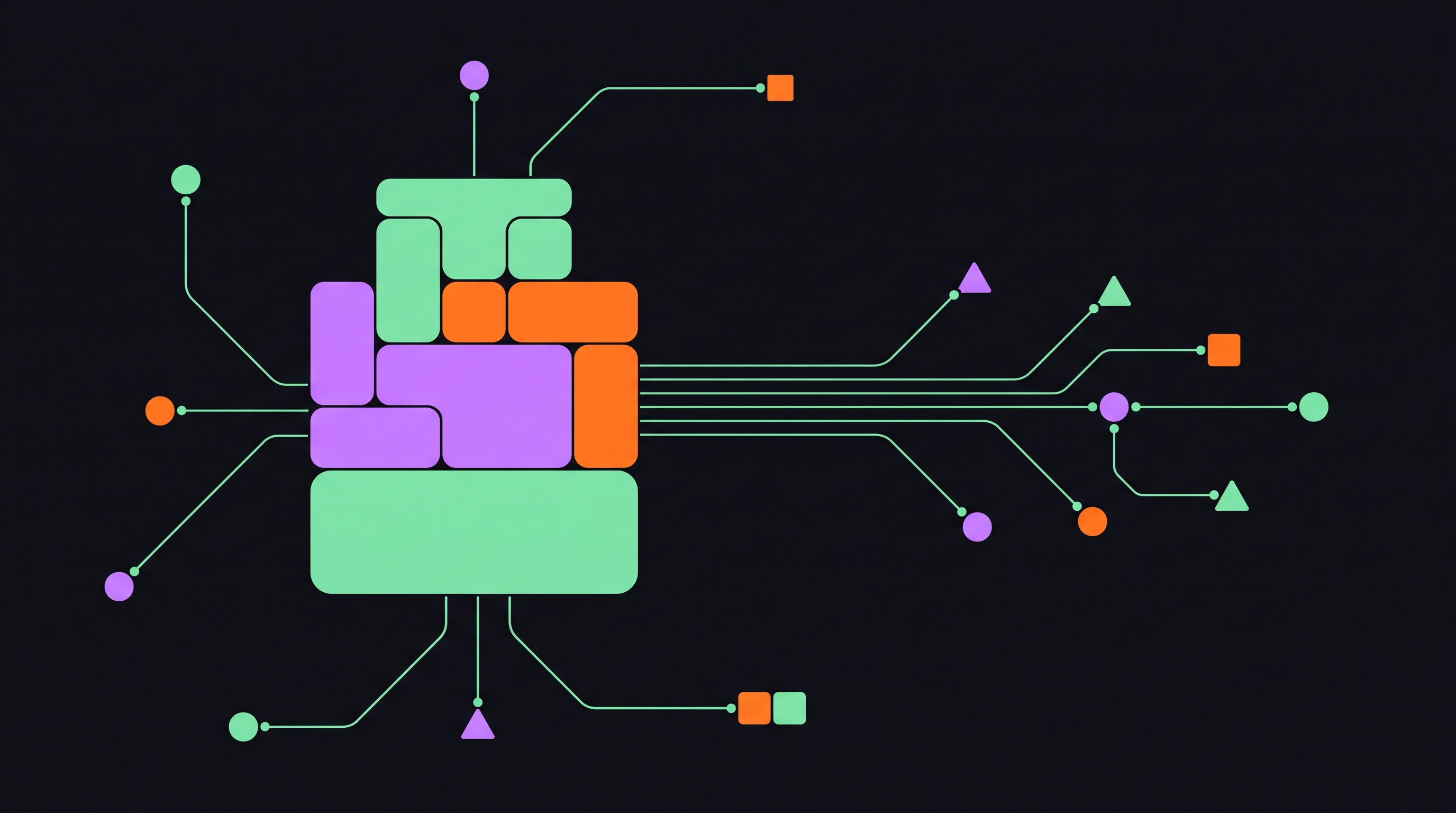
Then there's tool assignment. Each agent gets a specific toolset: code execution, web search, database queries, file access. You don't grant every agent access to everything. You give each agent only the tools it needs for its role. This mirrors the principle of least privilege in security design, and it matters for the same reason: scoped access limits blast radius when something goes wrong.
Once agents have stable identities and scoped capabilities, you can assemble them into a crew that actually coordinates. Which brings us to how work moves between them.
Tasks Are Basically Jira Tickets. That's Not a Coincidence.
Tasks in CrewAI are first-class objects. Not implicit. Not inferred from agent behavior. Explicitly defined, with their own attributes, separate from the agent definition.
Here's what a task carries:
- description: what the agent is being asked to do for this specific task
- expected_output: what a completed result looks like — the success criterion
- agent: which agent owns this task
- context: which prior tasks' outputs feed into this task as inputs
That context attribute is what makes clean handoffs work. The orchestration engine automatically passes the output of a prior task as structured input to the next task. No manual glue code.
But expected_output is the one that tends to get underestimated. It gives the agent a concrete target to evaluate its own work against before passing it on. Without it, agents improvise what "done" looks like. They produce outputs that satisfy the letter of the next prompt but not the intent of the overall workflow. Garbage propagates quietly, and by the time you notice it, it's three steps downstream.
This maps cleanly to how good engineering teams write tickets: owner, acceptance criteria, dependencies. A well-written Jira ticket and a well-defined CrewAI task are solving the same coordination problem. That similarity isn't accidental. It's the whole point.
Sequential, Hierarchical, Consensual. The Choice Matters More Than You'd Expect.
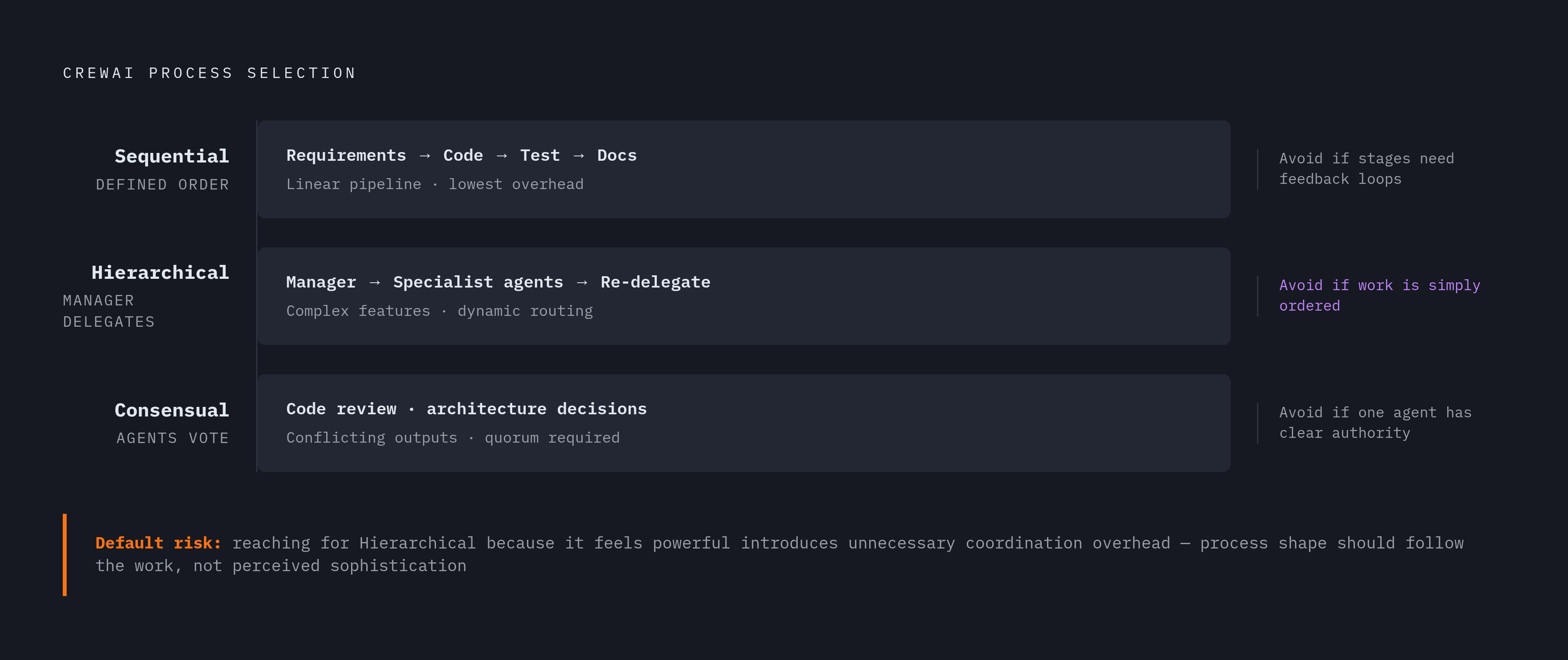
Process types govern how agents coordinate, not just how they execute individually. CrewAI gives you three options.
Sequential runs agents in a defined order. Each builds on the last. Lowest complexity, easiest to debug. Right for linear pipelines like requirements → code → test → documentation, or CI-style pipelines: linting → testing → security scan → deployment. Deterministic, auditable, easy to instrument.
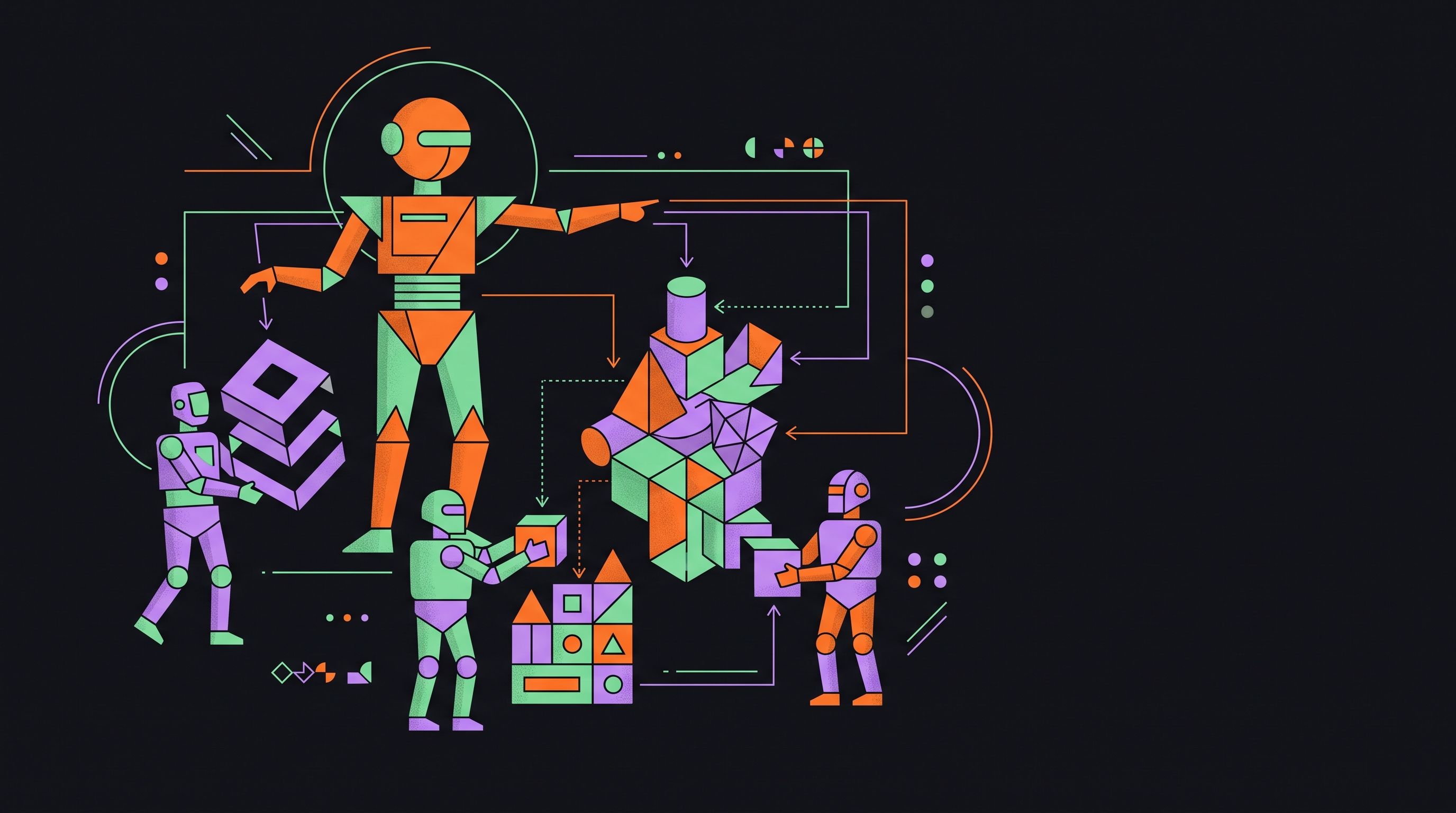
Hierarchical introduces a manager agent that receives the goal and delegates subtasks to worker agents dynamically. The manager synthesizes results and can re-delegate if output quality is insufficient. Think complex feature development: a tech lead receives a feature spec, breaks it into subtasks, assigns them to specialist agents for frontend, backend, and database work. One thing worth knowing: the manager agent is itself an LLM call. It needs a Role, Goal, and Backstory like any other agent. Its goal just happens to be coordination rather than execution.
Consensual has agents vote on decisions before proceeding. It's designed for scenarios where conflicting outputs need resolution before a single direction is committed to. Code review and architecture decisions are the obvious use cases, where multiple perspectives should weigh in before a change is locked in.
But what actually determines which process type to use? The shape of the work, not the sophistication of the system. Simpler workflows run better in sequential mode even inside complex codebases. Reaching for hierarchical because it feels more powerful is how you introduce unnecessary coordination overhead. I've made this mistake. It's a fun way to spend a weekend you weren't planning to spend debugging.
Process types govern a single crew, though. What happens when your software development lifecycle has multiple phases, branching logic, and dependencies between crews? That's where Flows come in.
Flows: How a Prototype Actually Becomes a Pipeline
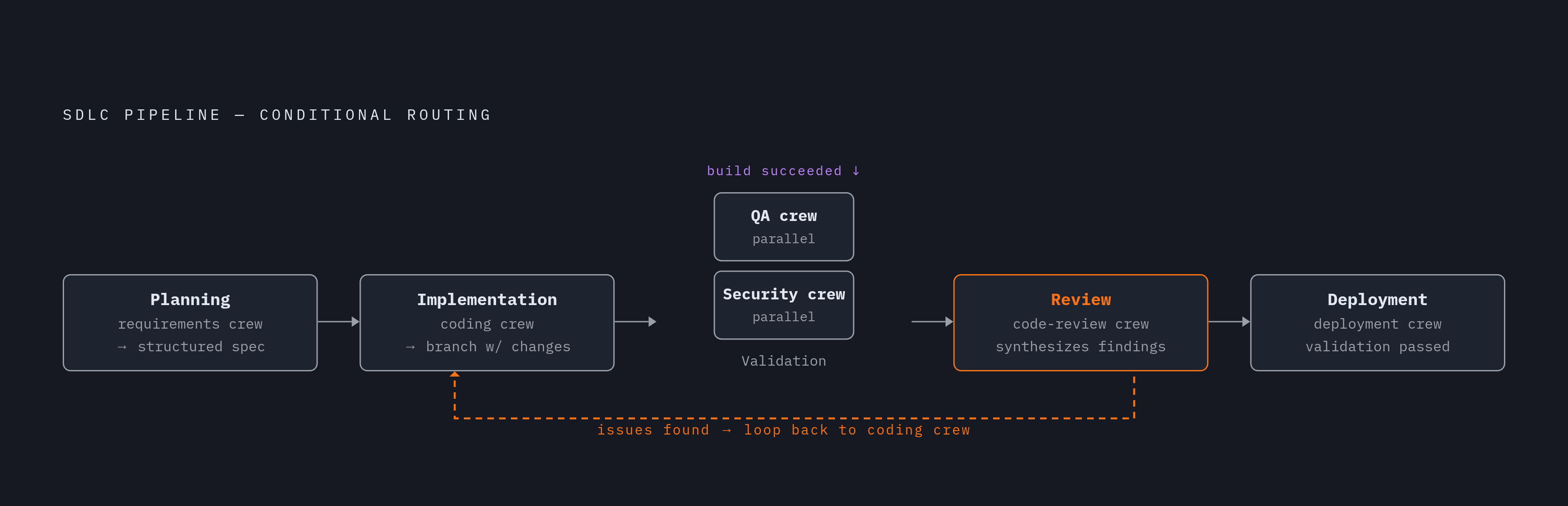
A single crew handles one phase of work well. But a real software development lifecycle has many phases, and they don't run in a straight line. Some steps are conditional. Some run in parallel. Some loop back when quality gates fail.
Flows are event-driven. A flow step triggers when a prior step emits an event, not just when it finishes. That distinction matters for reactive behavior. A security scan crew triggers only when the build step emits a "build succeeded" event, not on a timer, not by default.
Flows can also mix crew calls with individual LLM calls and deterministic Python logic in the same pipeline. Not everything needs a full crew. Sometimes a single LLM call is the right tool for a lightweight decision. Forcing everything through the same abstraction is how you end up with a system that's more complicated than the problem it's solving.
Conditional routing is the other key capability. If a test crew reports failures, the flow routes to a debugging crew rather than proceeding to deployment. That's not a manual intervention. That's logic embedded in the flow itself.
A rough SDLC mapping with Flows looks something like this:
- Planning: a requirements-analysis crew processes a feature brief and emits a structured spec
- Implementation: a coding crew receives the spec and produces a branch with changes
- Validation: a QA crew and a security crew run in parallel, both triggered by the same "build succeeded" event
- Review: a code-review crew synthesizes findings; if issues are found, the flow loops back to the coding crew
- Deployment: a deployment crew triggers only when validation passes
Each step is a discrete event with inputs and outputs. That structure is what observability tooling actually requires to work. Logs aren't enough. You need structured events you can trace, cost-account, and audit. Flows make the pipeline instrumentable in ways that matter to the people who have to explain what the system did and why.
What a Real Engineering Team Looks Like as a Crew
The clearest way to test whether a mental model is useful is to apply it to something real and see if it holds. So here's what a feature-development crew looks like when you map actual engineering roles onto CrewAI agents.
Architect agent: receives the feature spec, proposes a technical approach, emits a design document as structured output.
Backend engineer agent: implements server-side logic against the design spec, writes unit tests, emits working code and test results.
Frontend engineer agent: implements the UI layer. Can run in parallel with the backend agent once the API contract from the architect's output is known.
QA agent: receives the combined output of both engineer agents, runs integration tests, emits a pass/fail report with specific failure details.
Security reviewer agent: scans the diff for common vulnerability patterns — SQL injection, insecure dependencies, secret leakage — emits a findings report.
Documentation agent: generates changelog entries, updates API docs, emits documentation artifacts.
Process choice for this configuration: hierarchical, with a tech lead agent that receives the feature brief and delegates to the specialists. Tool assignment follows real-world access patterns. The architect and QA agents get code search and test runner access. The backend agent gets shell access and package management. The security agent gets static analysis tooling and vulnerability database lookup. The documentation agent gets file read/write and access to the existing docs structure.
The tool assignment conversation isn't really a technical conversation. It's an organizational one. What does each role actually need to do its job? That question has the same shape whether you're onboarding a human engineer or configuring an agent.
So what can't this crew do on its own? It can't make architectural decisions that require human judgment. It can't resolve ambiguous requirements. It can't approve a pull request for production. Those remain human responsibilities. Not because of some philosophical stance. Because the blast radius of a bad autonomous decision in production is a problem nobody wants to debug at 2am.
Human Oversight Isn't Optional. Here's Where It Actually Belongs.
Autonomous agents in software development have a specific failure mode: errors compound quietly. A bad architectural decision in step one propagates through every subsequent step before a human sees it. By the time you catch it, the blast radius is large.
CrewAI's enterprise tier addresses this structurally.
- Human-in-the-loop approval gates: flows can pause and require explicit human sign-off before proceeding past a defined checkpoint. Before code is committed. Before a deployment is triggered.
- Real-time tracing: every LLM call, tool call, and memory read is tracked with full cost accounting. Structured observability that makes agent behavior auditable, not just logged.
- RBAC and immutable audit trails: necessary for regulated industries, and for any org that needs to answer "who authorized this change" with something more than a shrug.
The governing principle here is calibration. The right configuration isn't maximum autonomy. It isn't minimum autonomy either. It's matching checkpoints to the risk profile of each workflow step.
Documentation generation? Fully autonomous. Low risk. Test writing and execution? Largely autonomous, with output review. Production deployment? Human approval gate, regardless of how clean the preceding steps look.
That calibration maps directly to how mature engineering teams already think about CI/CD. Some pipeline steps run without human intervention. Others require an explicit approval. Agents slot into that existing mental model without requiring teams to build a new governance philosophy from scratch.
CrewAI's structure doesn't remove human judgment from software development. It relocates it to the decisions that actually require it. Whether that sounds like progress or a rationalization probably depends on how many hours you've spent babysitting a deployment pipeline.
Where CrewAI Actually Lives in Your Stack (and Where Cursor Fits)
Most developers don't live in a terminal. They live in an IDE. So the practical question isn't just whether CrewAI works. It's where it fits relative to the tools already open on your screen.
Cursor is the most visible example of an IDE that has moved meaningfully toward agentic workflows. Its Agent mode lets the model autonomously read files, run terminal commands, apply edits across multiple files, and iterate on failures without waiting for a prompt at each step. For single-developer, in-context work — the kind of task where you know what you want and you're working within a single codebase — that's genuinely useful.
But where does it break down? Cursor's agentic mode is excellent at executing within a defined context. It isn't designed to coordinate multiple specialized agents, manage handoffs between phases, apply different models to different subtasks, or embed conditional logic and approval gates into a structured pipeline. It's a powerful individual contributor. It's not an engineering org.
CrewAI doesn't replace what Cursor does. They sit at different layers of the stack. Cursor is where a developer works interactively with code, in the moment, in the IDE. CrewAI is where you build the automated system that runs when you're not there, or when the task is too large and too structured to hand to a single context window.
The natural integration point: CrewAI crews and flows run the pipeline. The outputs they produce — code, diffs, documentation, test results — land in the filesystem that Cursor can read and work with. A developer using Cursor can then review, refine, and extend what the multi-agent system produced, using the IDE's interactive capabilities to close the gap between automated output and production-ready code.
That division of labor mirrors how good engineering teams already work. Some work is automated and runs without you. Some work requires you in the seat, making judgment calls, reviewing output, pushing things over the finish line. The goal of CrewAI isn't to replace the second category.
The shift from babysitting automation to actually trusting it within defined bounds is a slow one. It doesn't happen all at once. Multi-agent systems stop being interesting experiments and start showing up in actual deployment pipelines when that trust is earned incrementally, through scope, structure, and a lot of logged traces that prove the thing did what you think it did.